

Installare ArahWeave Demo per Linux
Preface
ArahWeave and ArahDrape are designed to be compatible with the majority of modern Linux desktop operating systems. ArahPaint6 is, however, only supported with Kde-based Linux distributions by default.
To use ArahPaint6 on desktops other than KDE, such as GNOME (the default on Ubuntu), install two additional packages: libqt5x11extras5-dev and libjbig0.
On Debian-based systems such as Ubuntu, run the following commands to install these packages:
sudo apt-get update
sudo apt-get -y install libqt5x11extras5-dev
sudo apt-get install libjbig0
sudo apt install libminizip1
sudo apt-get install libgzstream0
cd /usr/lib/x86_64-linux-gnu
sudo ln -s libjbig.so.0 libjbig.so.2
sudo ln -s libgzstream.so.0 libgzstream.so.1.5
Installazione
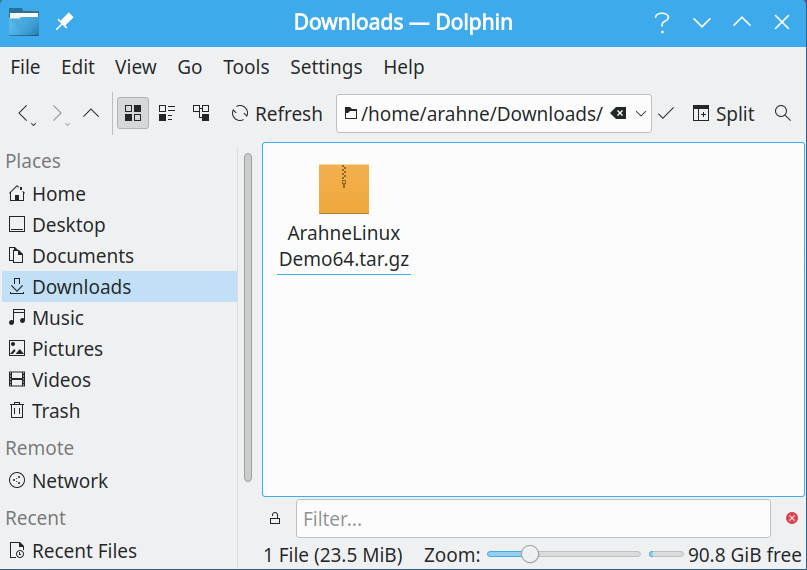
Download the ArahWeave Demo.
 |
24 MB |
The file will be automatically saved in the Downloads folder if the browser doesn’t prompt you to choose where to save it.
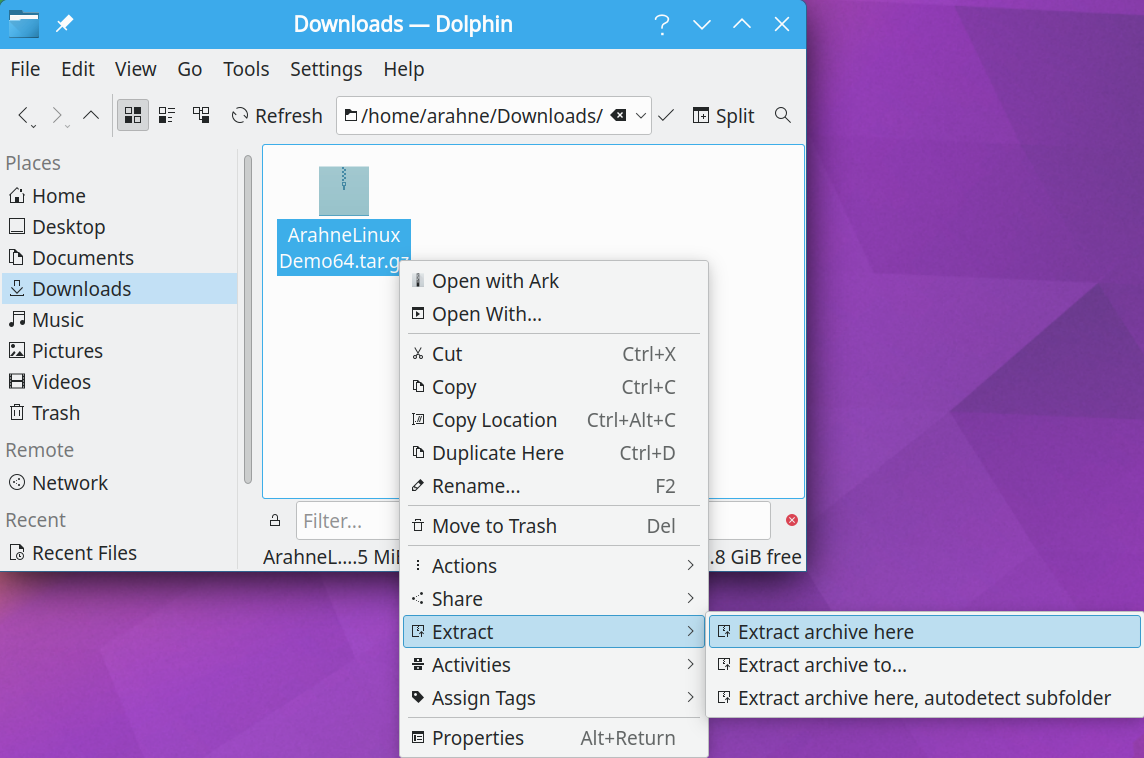
Right-click the downloaded file and select Extract > Extract archive here.
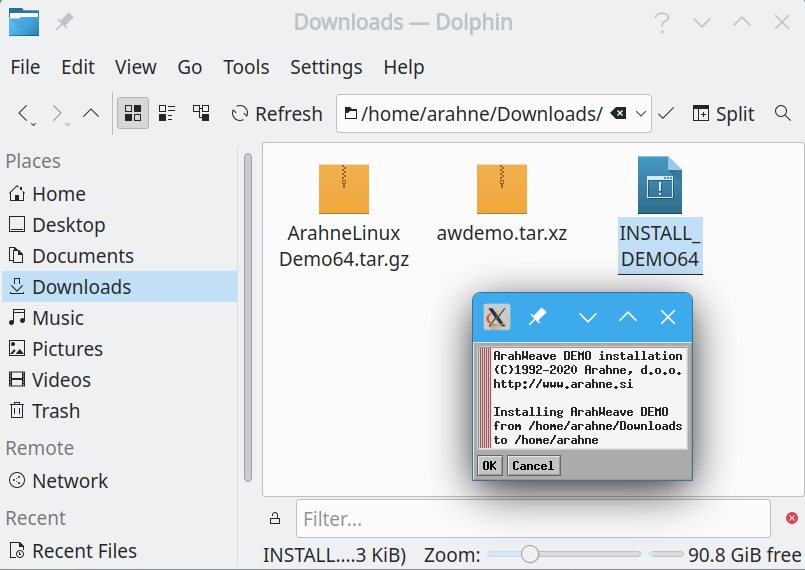
Click on the INSTALL_DEMO64 to start the installation. Select OK to proceed.
If everything went as planned, you will receive the notification Installation successful!. Click exit.
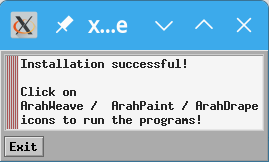
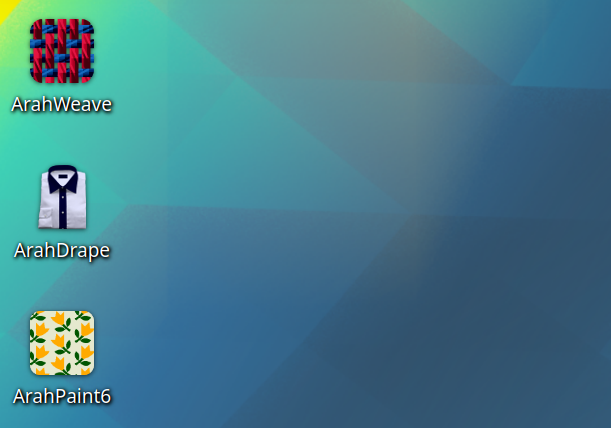
Troverai tre nuove icone sul tuo Desktop e sarai pronto per iniziare ad usare il software Arahne DEMO.