

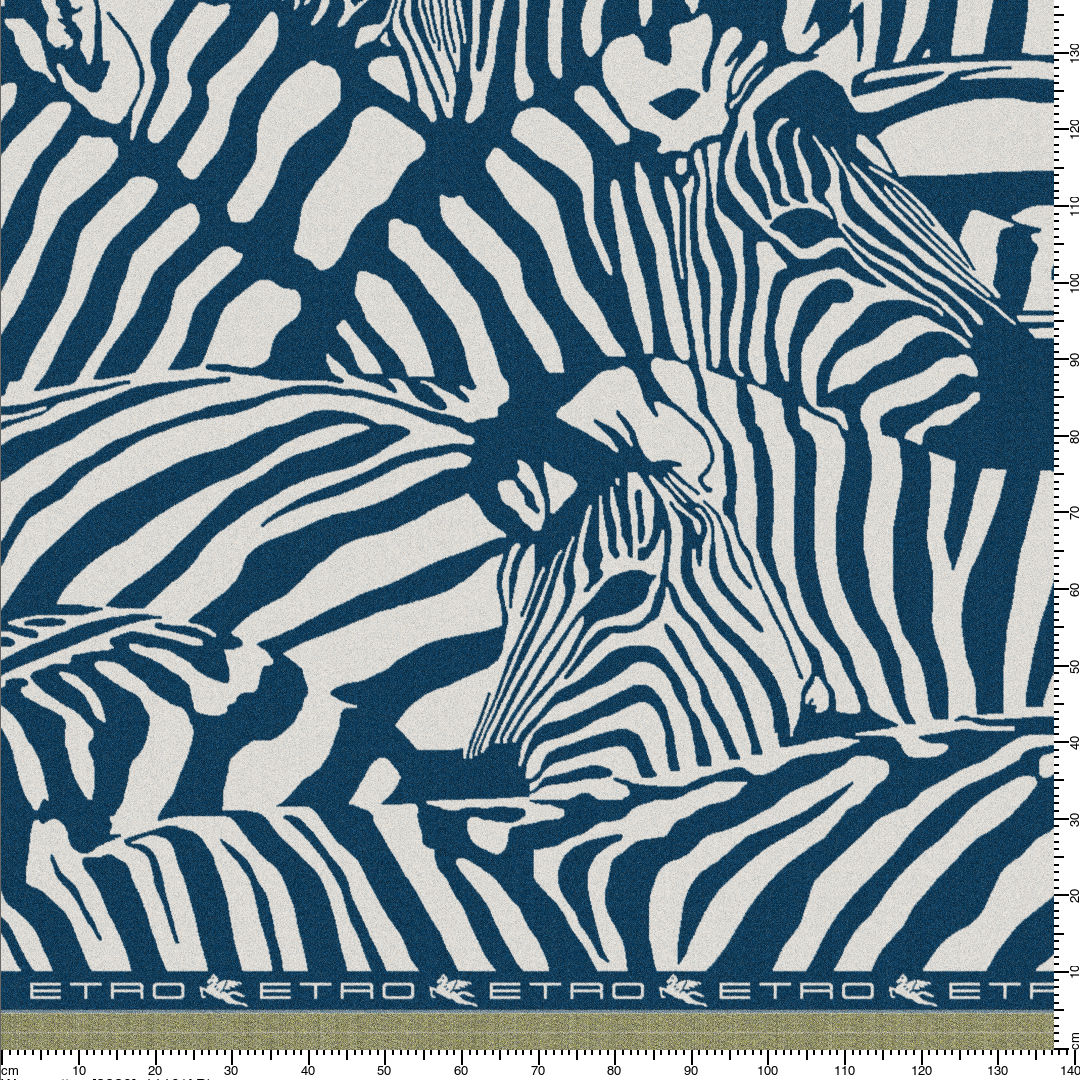
19. 10. 2026
ArahWeave fabric print preview now has a vertical ruler
We’ve added a vertical ruler to the fabric print preview in ArahWeave. What looks like a small cosmetic detail turned out to be a surprisingly interesting technical challenge:
- Striped rendering: Fabric simulations are drawn in horizontal bands. A horizontal ruler fits neatly into a single rendering pass, but a vertical ruler has to run continuously across every band, from the bottom up.
- Vertical text: Standard text rendering has no built-in support for vertical text, so we wrote our own routines to rotate the numbers programmatically.
Was that a lot of work for a ruler? Perhaps. But when you print a scaled-down simulation of a large fabric, like the stunning blanket below, full-scale reference lines on both axes make the presentation easier to read and more professional.
How to use it?
In Print fabric to printer window, click on the ruler icon and select among different options: no ruler, vertical ruler, horizontal ruler or horizontal and vertical ruler.
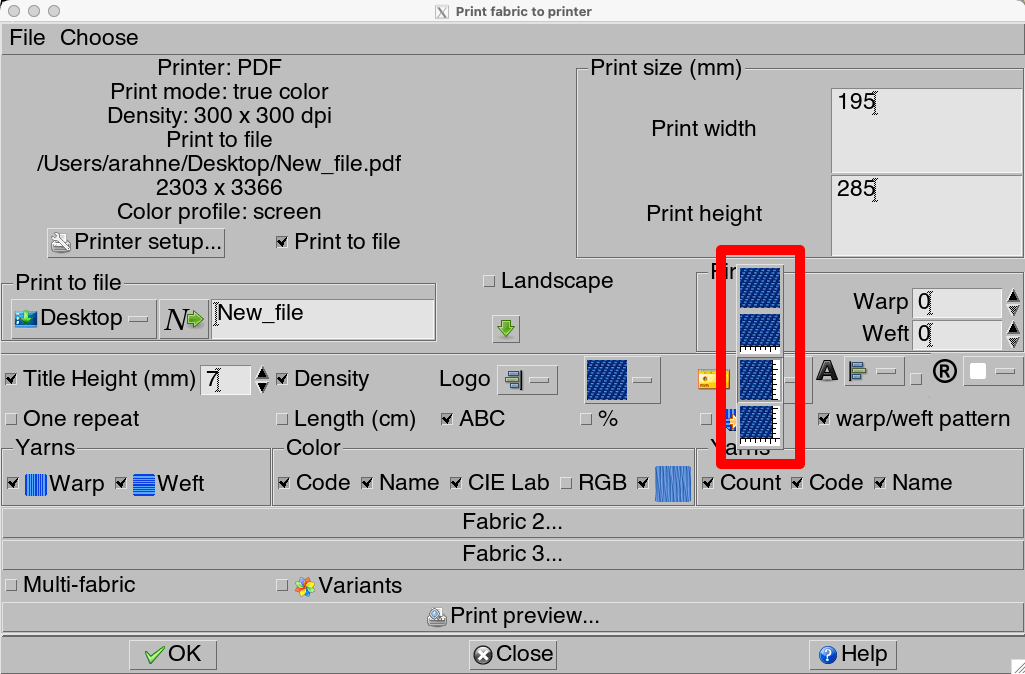
Print fabric to printer window in ArahWeave CAD software
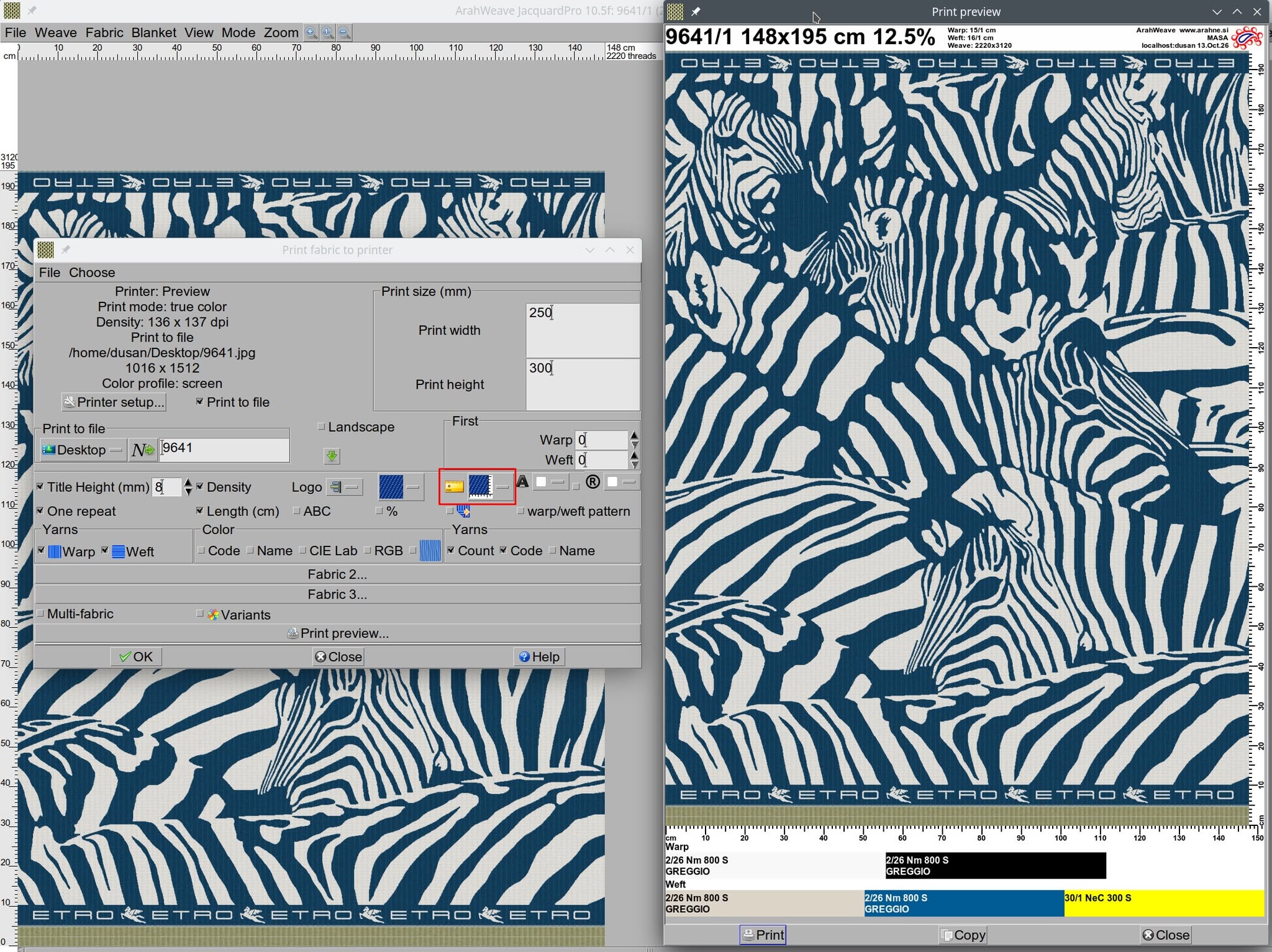
Fabric design by Lanificio Cesare Gatti