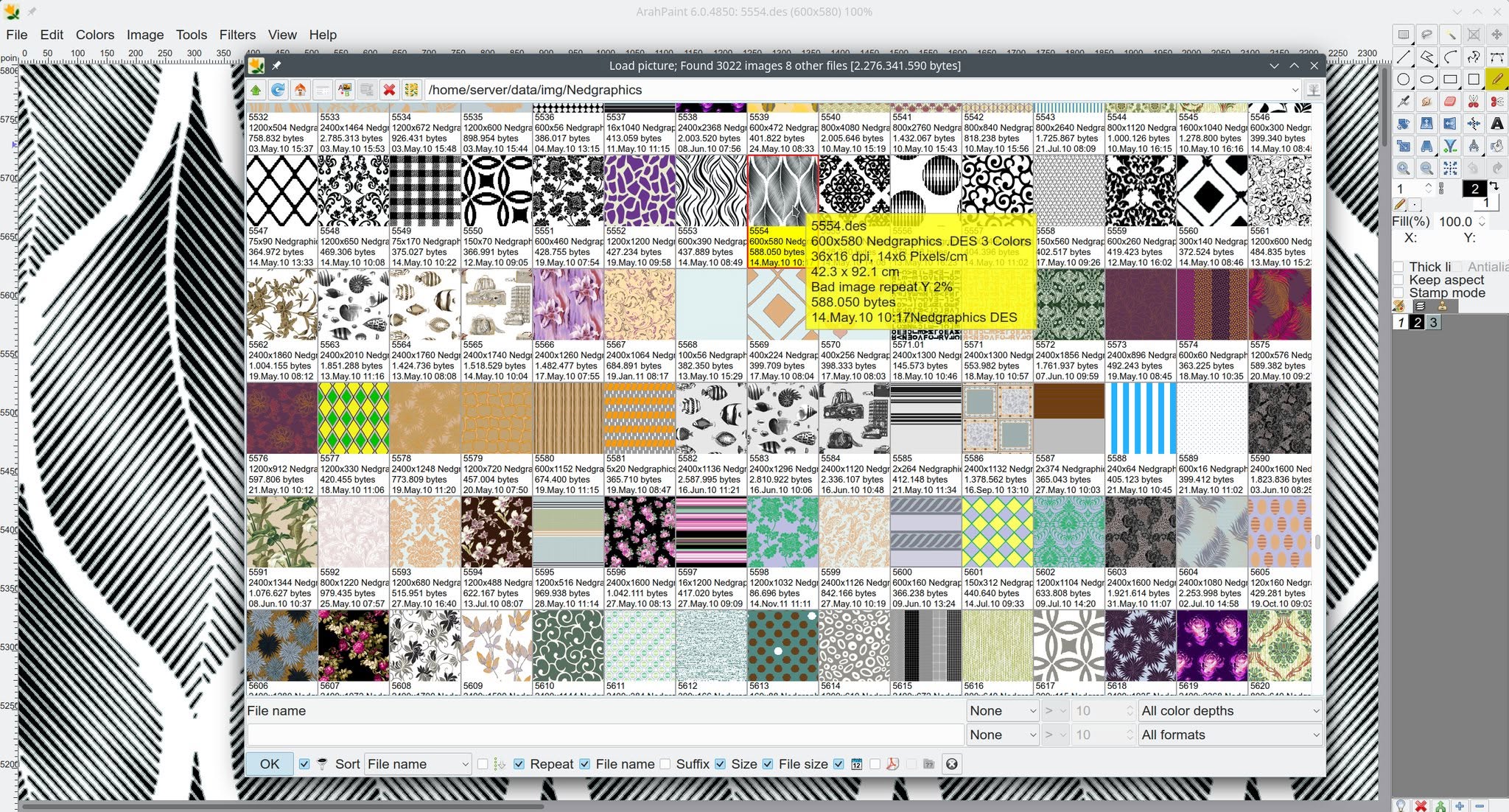

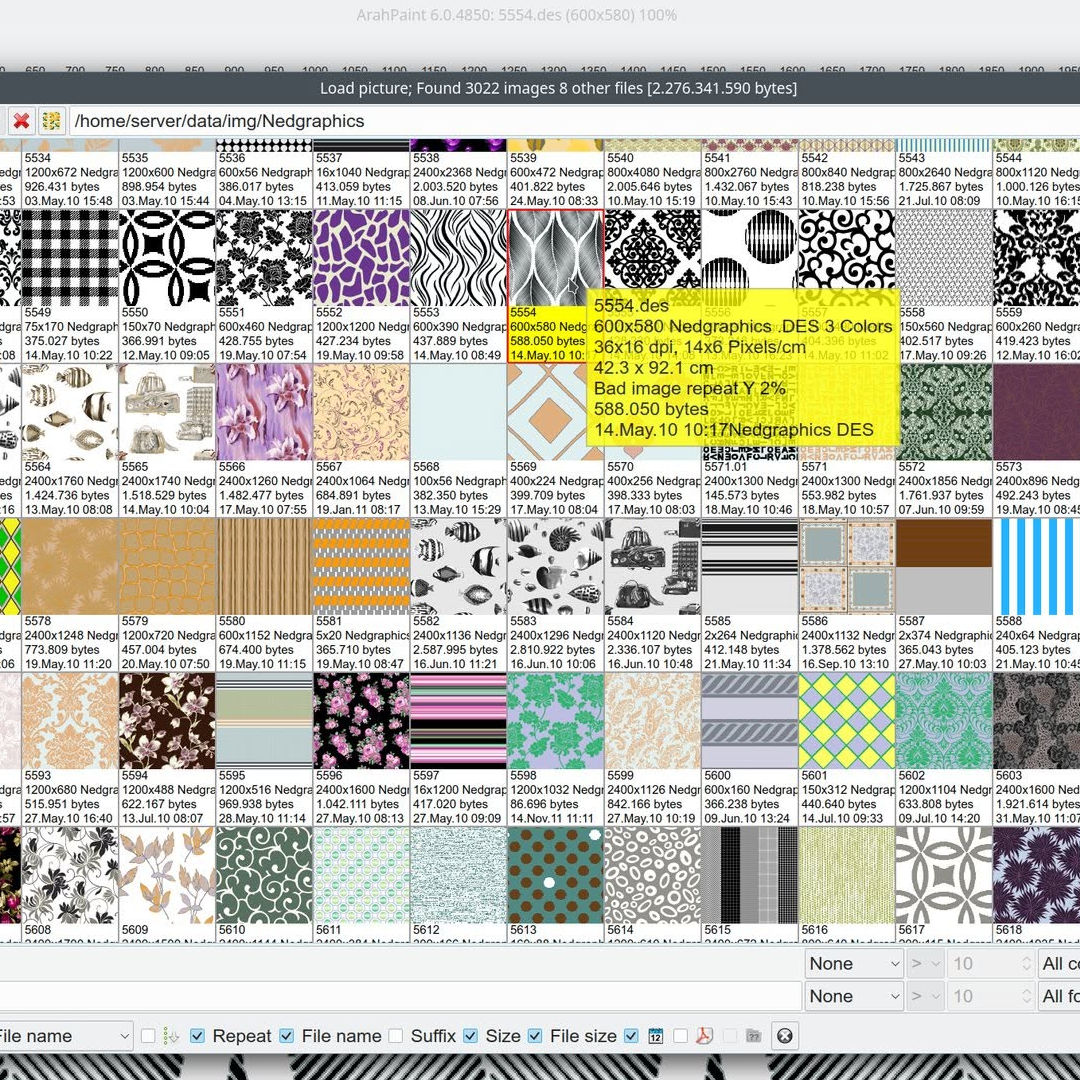
Open NedGraphics Texcelle files directly in ArahWeave and ArahPaint
Working with NedGraphics customers? Sharing designs just got simpler.
Textile design rarely happens in isolation. Studios, mills and agents exchange files every day, and those files often come from different software. Anything that gets in the way of opening a file costs time.
Compressed DES files now supported
Modern versions of NedGraphics Texcelle save DES files in a compressed format by default. ArahWeave and ArahPaint now open these compressed files directly, alongside the traditional uncompressed DES format, so you can work with files from both older and newer NedGraphics releases without thinking about which one you have.
Densities preserved on import
Warp and weft densities are carried over during import. Your designs keep their intended structure and scale from the first moment they open, with no manual adjustments needed to restore the original settings.
No export settings. No conversion steps.
Before, a file from a NedGraphics customer might have required a special export or an extra conversion step. Now the workflow is simple:
- Receive the DES file
- Open it in ArahWeave or ArahPaint
- Start working
Building the most compatible platform
This update is another step toward our goal of making Arahne software the most compatible textile design platform available. Whether your customers, suppliers or colleagues use NedGraphics or other tools, we want you to spend your time designing, not converting files.